
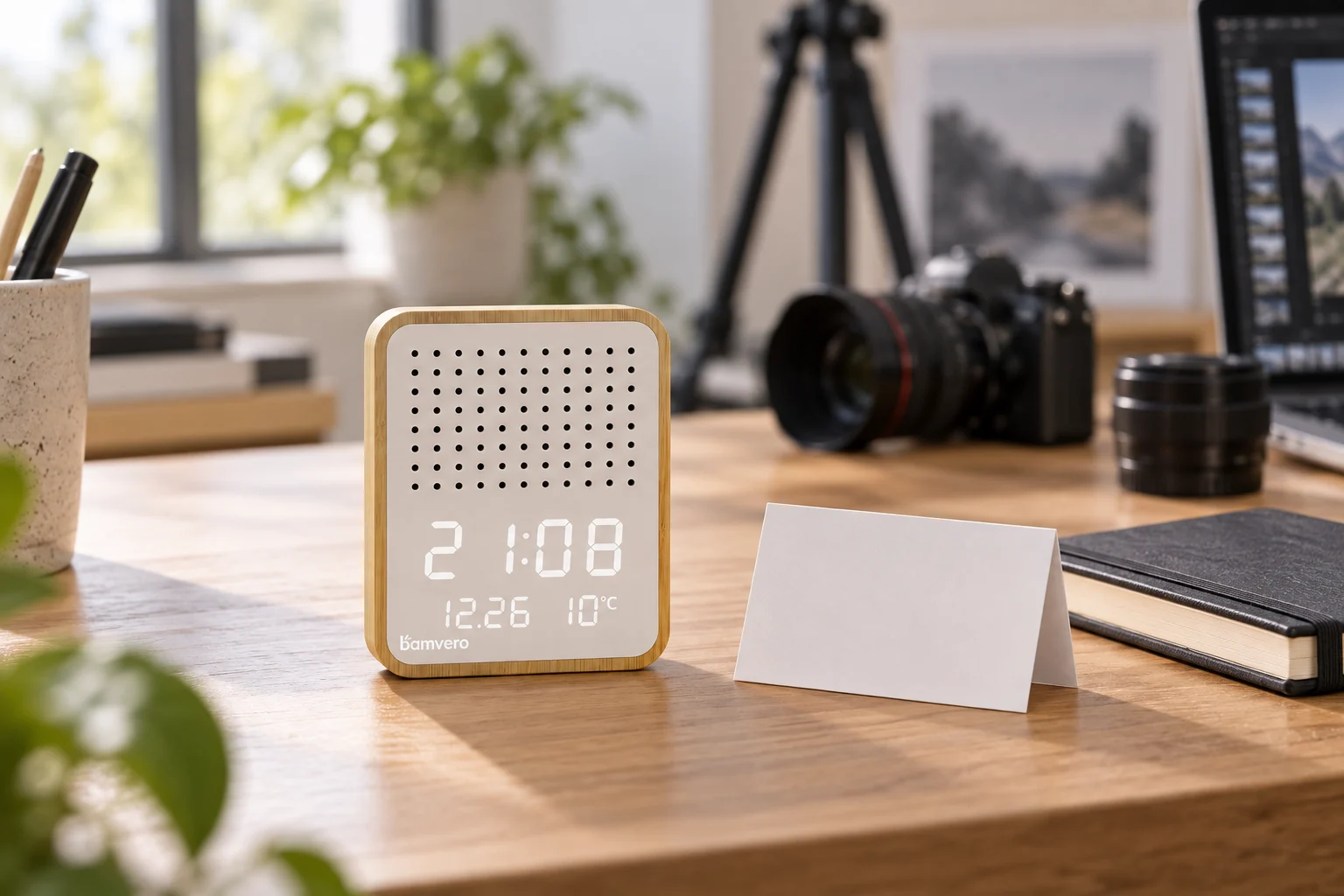
AI-generated catalogue-review concept based on Y130-2, not an actual inspection or product specification photo. The card and equipment are props.
Before You List It: Match Bamboo Product Photos to the Right Model
Check that the image, model code and feature list all describe the same item before a polished listing becomes a customer promise.
A product page can look polished and still describe the wrong item. The photograph belongs to one clock, the feature list came from a similar model, and the box contents were copied from last season's order. Each part looks plausible on its own. Together, they create a promise that the shipped product may not match.
For a reseller building a bamboo product catalogue, the useful final check is not another rewrite of the headline. It is a direct comparison between the product identity, approved images and current supply specification. Make that comparison before the page is published, not after the first customer asks where a pictured accessory is.
Give the listing one unambiguous identity
Start with the supplier's full model code and the exact version being purchased. Keep that identity connected to your own SKU, product page and image folder. If your team uses a customer-facing name such as “Bamboo Desk Speaker,” retain the original code in the internal record so the next editor can find the right source.
Do not shorten a model code because the suffix looks unimportant. Similar names can represent different faces, layouts or configurations. A shared family name is a reason to check the details, not permission to reuse all the same claims.
The Y130-2 speaker alarm clock provides a concrete example. Its current product image shows a pale front panel with round perforations above the time display. That is a useful visual identity check. It does not prove that every photograph or specification carrying “Y130” belongs to this version.
Inspect the image rather than trusting its filename
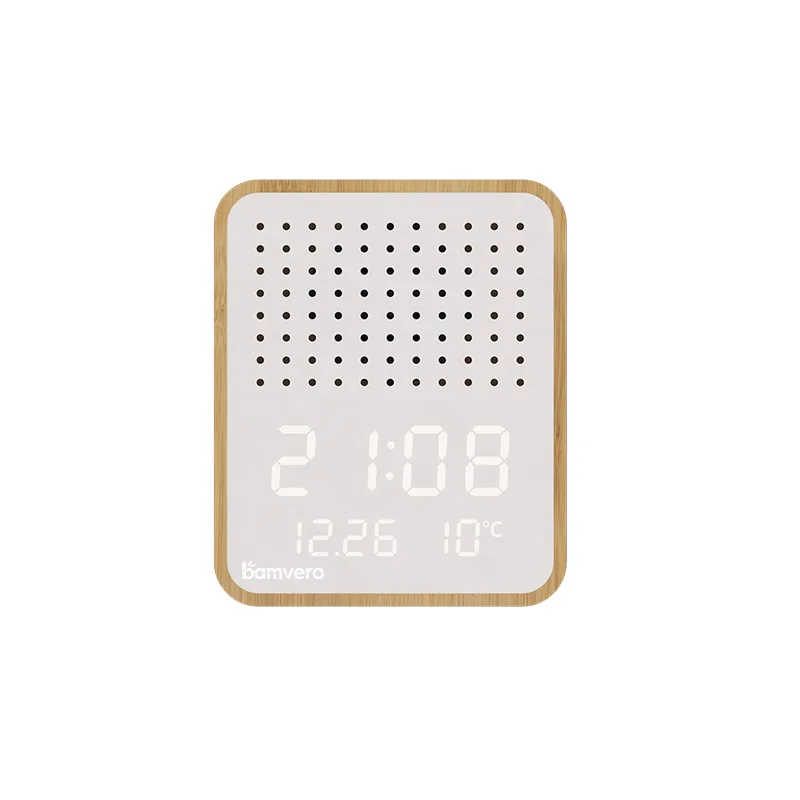
Open the file at a useful size and compare visible features with the current product page. Look at the front layout, grille, display position, body shape and any clearly visible controls. A file named “main” or “new” tells you almost nothing about those details.
Use a consistent internal filename such as “Y130-2-front-approved-20260914” when your team approves an image. That is an example naming convention, not a claim that a particular file has already received supplier approval. Keep the original asset and the record of which listing version used it; avoid replacing files silently under an ambiguous name.
Additional angles should belong to the same model and finish as the lead image. If the rear view appears to show a different connector or control arrangement, pause the upload and ask for clarification. A smaller set of correct photographs is more useful than a full gallery assembled from uncertain sources.
Verify functions separately from the picture
A lit display can show what the photograph depicts, but it cannot establish every operating mode, power requirement or accessory. Copy those facts from the current specification for the ordered version, and use a sample to resolve points that remain unclear.
The Y130-2 page identifies Bluetooth audio and LED time, date and temperature display. It does not follow that the product also charges a phone wirelessly. Do not add that claim because another bamboo desktop model offers charging. Nor should a phone, lamp or notebook used as a styling prop become part of the packing list.
Our speaker and speaker-clock comparison explains why a familiar material or similar category name does not make the functions interchangeable. For a listing editor, the practical rule is simple: every function needs a source tied to the exact item, not just a related product.
Keep lifestyle images separate from product evidence
A scene image can help a customer imagine where a product might fit. It should not replace the clear product views needed to judge the item itself. Show the actual product photograph alongside the scene, and explain when a room, props or packaging are illustrative.
If a scene is AI-generated, check the product shape and visible features before using it and label it appropriately. Reject a scene that adds a charging surface, moves controls or changes the display. The attractive setting is not a reason to accept a redesigned product.
Write ALT text for what is actually visible: the model, angle and relevant physical details. Avoid adding strings of wholesale keywords or functions that cannot be established from the image. A caption can carry the separate explanation that props are not included or that a scene is a concept.
Review the complete order scope in one place
Before publishing, read the product name, description, specification fields, gallery and packing information together. A cable mentioned in one section and excluded in another is still a contradiction, even if both sections were copied from genuine documents prepared at different times.
Keep one dated product record linking the model, selected images, supplier specification, accessory scope and current page. Name the person responsible for approving changes. If a new supply version arrives, identify which fields and pictures need updating before changing the listing. Older order records should remain understandable against the version those customers purchased.
This discipline also helps the sales team answer questions without improvising. “I will confirm the adapter supplied with this version” is a better response than borrowing an answer from a visually similar clock. Unknown information should remain an open question internally until it is checked, rather than becoming confident public copy.
For a new reseller range, send Woodshowtime the model codes you are considering, your sales market and the fields your catalogue needs. We can discuss the available product material and the points requiring confirmation. The aim is a page that accurately represents what you plan to order, not simply a page with more pictures and more features.
Match the product to the way it will be used.
Align the target channel, product functions, destination market, branding and packaging route before approving a sample or bulk quotation.